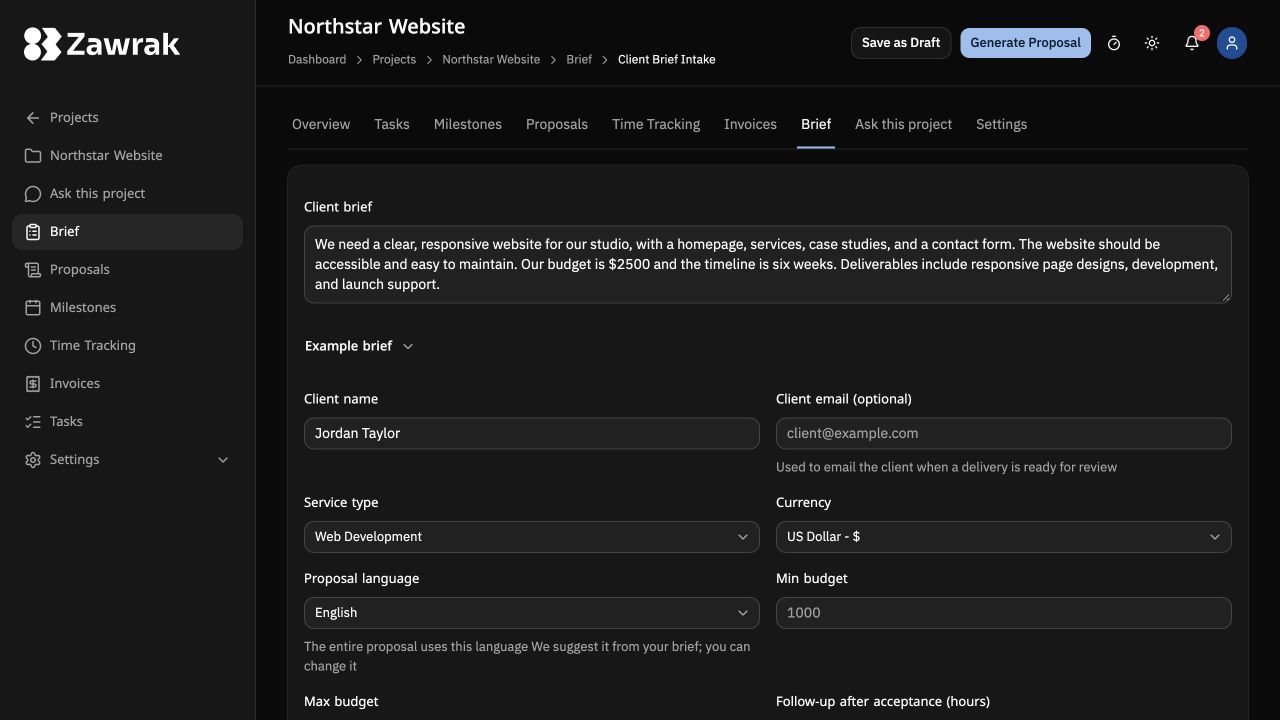
Paste the client brief
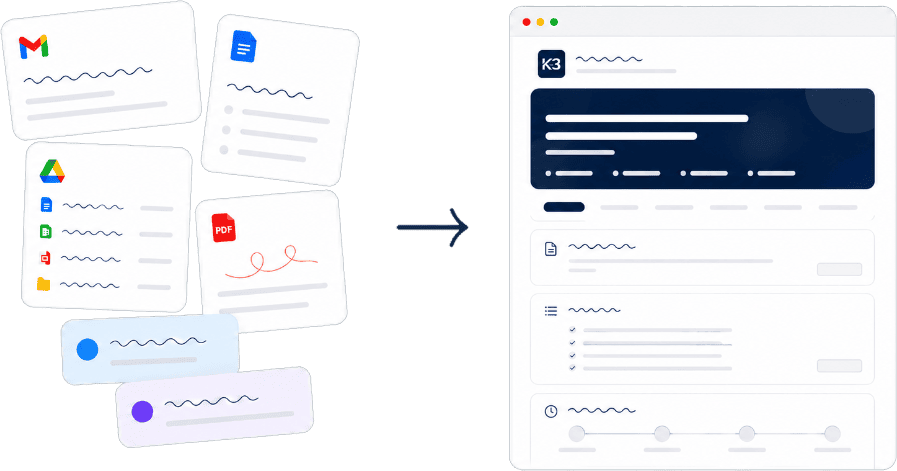
Start with rough notes, emails, or chat messages from your client Zawrak turns the messy input into a structured proposal draft
For independent professionals
Generate a polished proposal, customize it with your brand, and share one link Clients give feedback and approve without creating an account
Free first proposal · No credit card required · You review before sharing
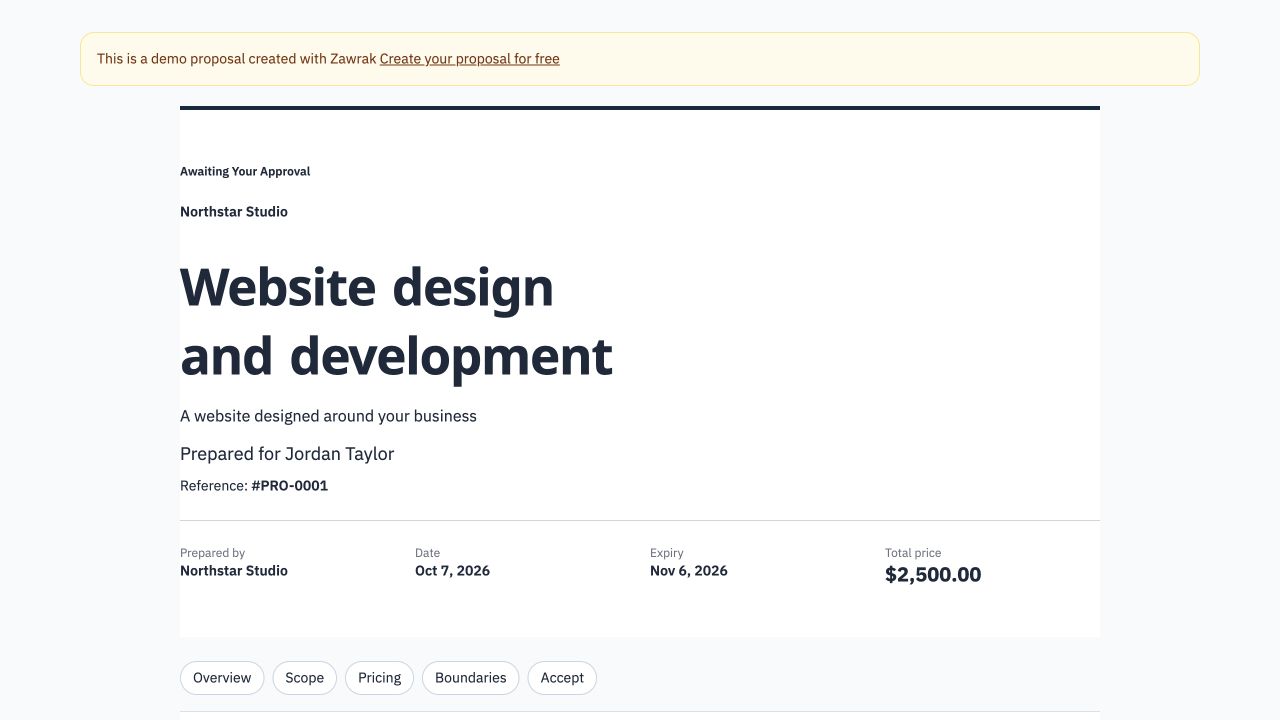
Client preview
A branded proposal page with your logo, colors, pricing, scope, inline feedback, and one-click approval built in
Build the proposal, brand the client page, then send one feedback and approval link
Start with rough notes, emails, or chat messages from your client Zawrak turns the messy input into a structured proposal draft
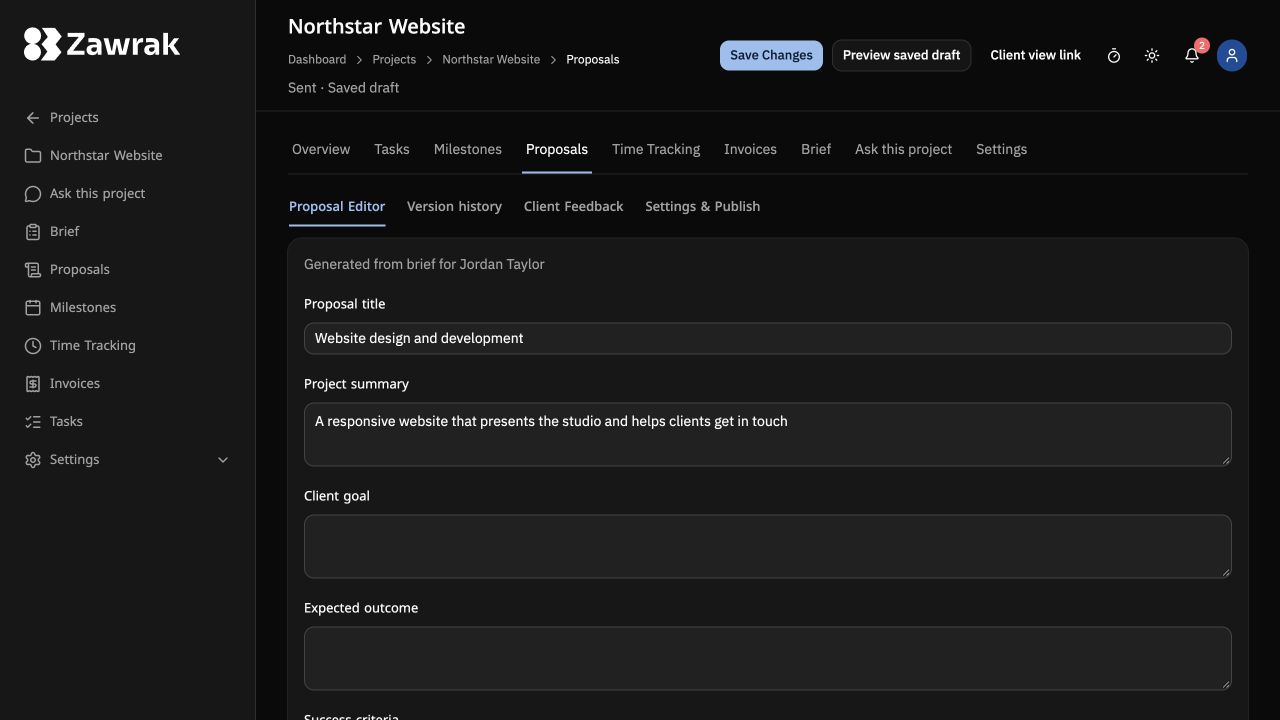
Edit the generated scope, milestones, pricing, timeline, and terms before sharing anything with your client
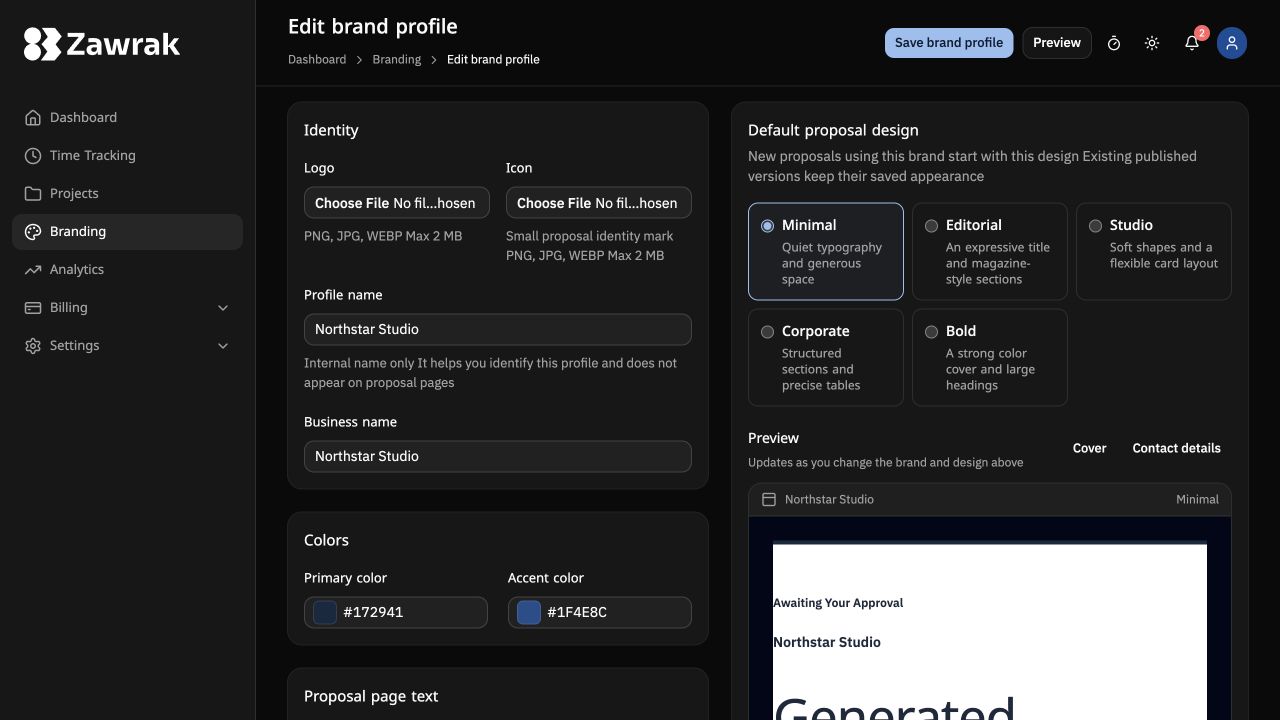
Upload your logo and choose your brand colors once Zawrak keeps them consistent across every proposal your client sees
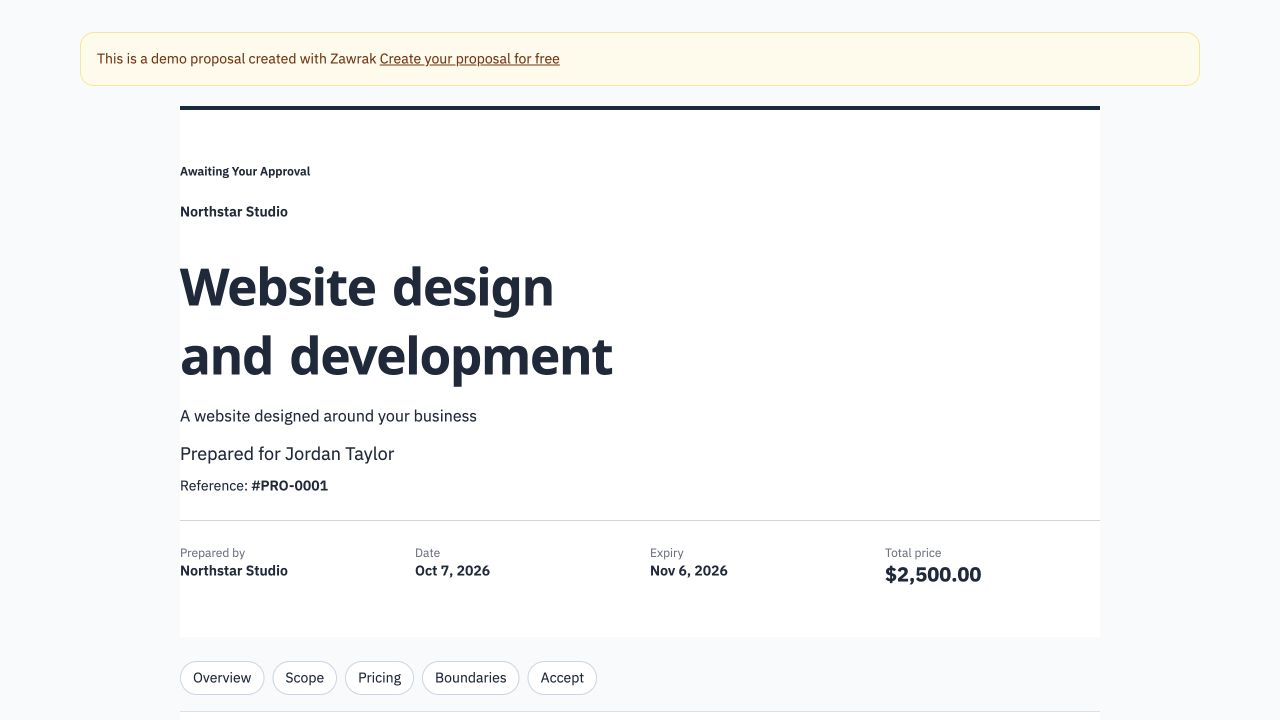
Your client sees a clean proposal page with your business name, logo, scope, pricing, feedback, and approval in one place
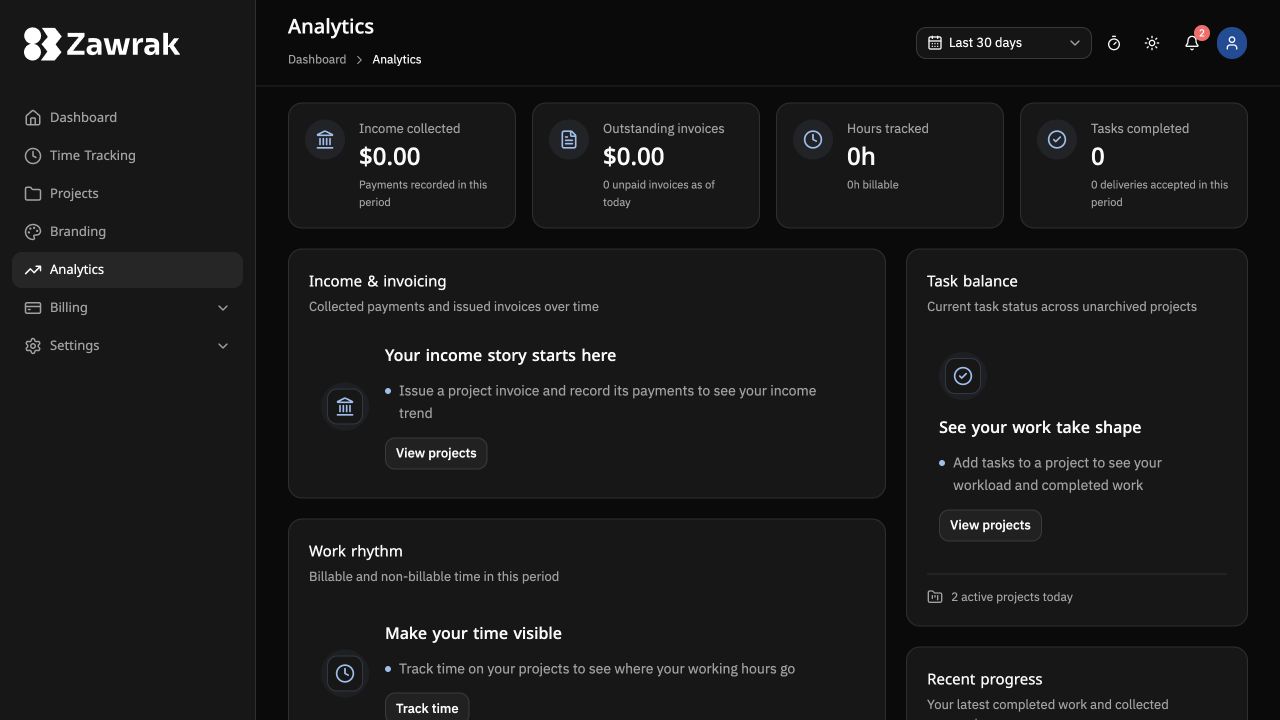
See when the proposal is viewed, accepted, or when the client leaves feedback
From messy notes to a client-ready proposal - without rebuilding everything from scratch
Paste chat messages, emails, PDFs, or rough notes Zawrak turns scattered input into a structured first draft
Adjust the scope, pricing, milestones, timeline, and terms before publishing You stay in control of what gets shared
Send a professional client page with the proposal, pricing, acceptance, and feedback in one place
Choose the tier that matches your current workflow You can upgrade anytime
Limits count successfully generated new AI proposals Manual drafts, publishing, and sharing do not use this allowance Regeneration has a separate limit of 3 attempts per proposal per hour
Zawrak keeps the whole proposal workflow in one place: turn a client brief into a structured draft, edit the scope and pricing, publish a shareable link, and review client feedback
Most proposal tools focus on polished documents after you already know what to send Zawrak supports the full flow; start with messy client input, generate a structured draft, edit and brand it, then share a client-facing link for feedback or approval
No Clients open the proposal link, review the scope and pricing, leave feedback, and approve without creating an account
Yes Every proposal is fully editable - scope, milestones, pricing, and terms Nothing goes to a client until you review and publish it yourself
No Zawrak never sends or shares a proposal automatically You decide when to publish it and who receives the proposal link
Yes You can add your logo, business details, and brand settings so the client-facing proposal page feels like it came from your business
Yes You can add password protection to shared proposal links so only the intended client can view them
Yes You can cancel your subscription anytime and there will be no future billing
Generate the draft, brand it, and share one proposal link when you are ready
Create your first project